


Check this out I know how to put the moving banner in the signature box now.
-
sigpic
<a href="http://bf3stats.com/stats_ps3/shocker_101"><img src="http://g.bf3stats.com/ps3/97I76xWl/shocker_101.png" alt="BF3 Stats" /></a> -
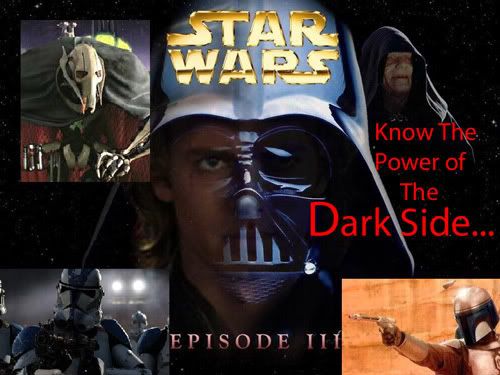
good but blurry a bit.
-
what no wookies?..lol
looks good though!Comment
-
excellent
High General,
excellent work, if you would please pm me with the details on how you made this discovery, I am most interested indeed.
Lt. E.SpockComment
-
haha u spelt grenade wrong
"I know they were just kids, but we kicked their pube-less asses!"Comment
-
Re: excellent
could you PM me too? Thanks! oh, and SPOCK, how did you get your last banner? the one that lights up. Thanks!Originally posted by EVILMRSPOCK
Comment
-
ooo oo pick me i know! On photobucket.com when you are in your album you choose to make a slide show which they store on there sight and give you a tag to insert into your signiture/avatar!!! 8)
Comment
-
Alright well to start off I made the frames and show in a program called animation shop. After I was done when you save it you must save it as a GIF file like you told me to do Spock. Then when you upload it you must upload it as a Picture and not as a movie. It will not work as a movie. Then copy and paste the same tag as you would normally do if you were putting in a banner that had no slides.sigpic
<a href="http://bf3stats.com/stats_ps3/shocker_101"><img src="http://g.bf3stats.com/ps3/97I76xWl/shocker_101.png" alt="BF3 Stats" /></a>Comment
-
Cool! i want to try it now!
Comment
-
woo appo that is big good job on your banner shocker did u fail spellin class lol.Comment
-
Ha! look who's talking! LOLOriginally posted by CHRIST
well CHIRST, i think you spelled spelt wrong! lol
Comment
-
HAHAHAHAH you guys are good comics so what if I spelt it wrong. No I have a 3.675 GPA I will have you all know.sigpic
<a href="http://bf3stats.com/stats_ps3/shocker_101"><img src="http://g.bf3stats.com/ps3/97I76xWl/shocker_101.png" alt="BF3 Stats" /></a>Comment


Comment